Register for the course enrollment
There are two ways to register for courses that use the enrollment procedure
- You see the Join Button as usual in the left column in a workspace - now the wording is ›Enroll‹. Click it and choose your module. You will be taken to your Course selection Tab in order to specify the lots you want to bet on this course.
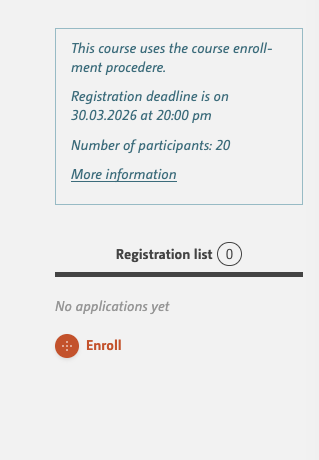
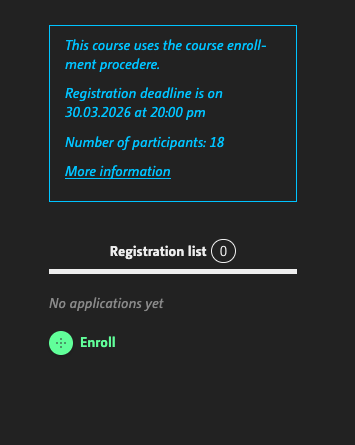
I can't see a button to enroll?
Please check whether your usergroup is ‘Students’. Also check whether your degree programme is taking part in the process. Exchange students do not take part; they should contact the lecturer directly.
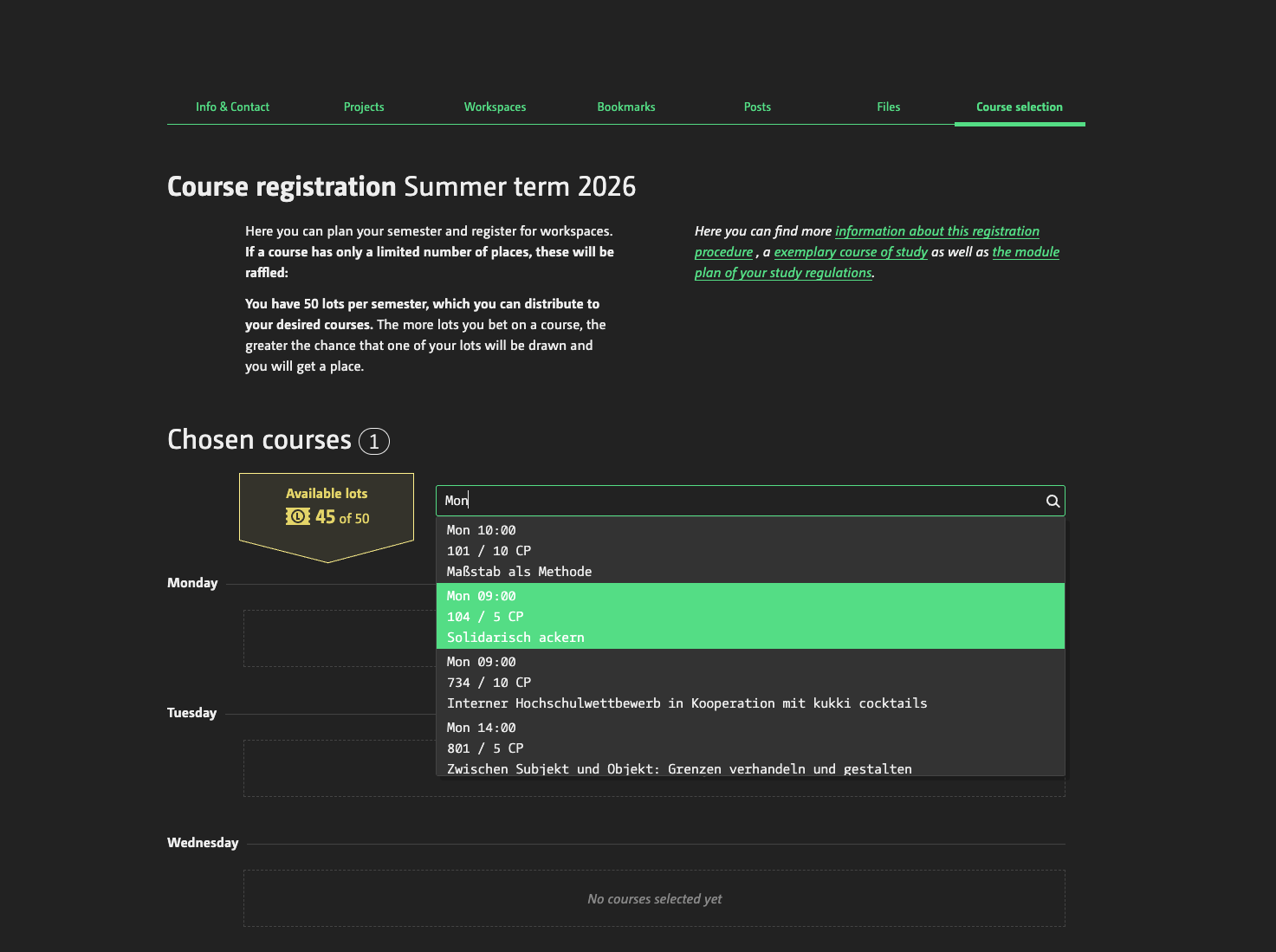
- You go to your profile -> Tab ›Course selection‹ and use the autocomplete box. Here you can either type the course title, the teacher's name or the weekday it takes place.
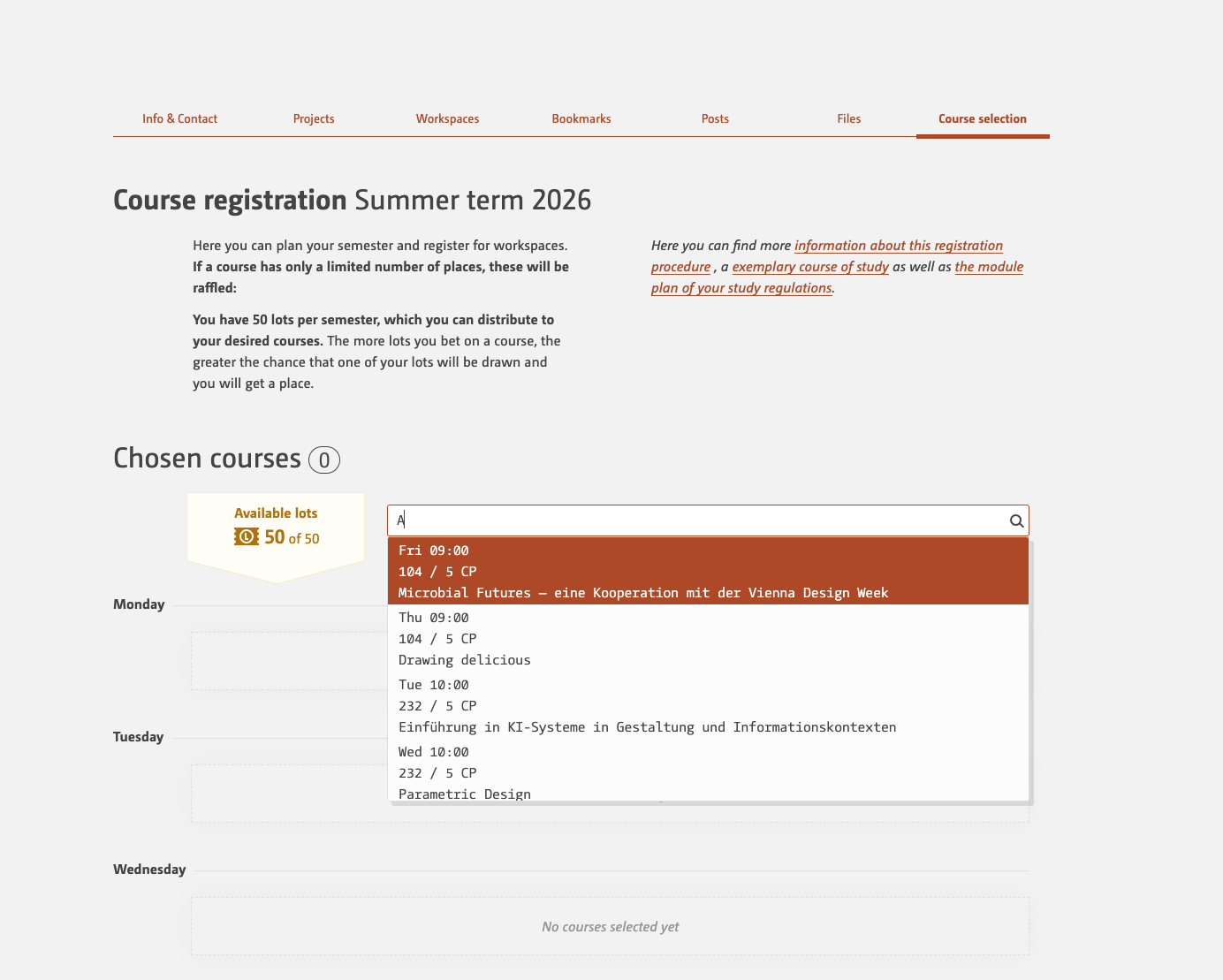
The course I'm looking for not included in the list of suggestions?
This can happen from time to time and is down to the MySQL search, which can be a bit odd at times. If that’s the case, look for the workspace via the workspace overview or the course catalogue and log in from there.
I'm getting a warning that the course doesn't fit with my study regulation?
This warning has no negative implications; it simply means that no module from your study regulation has been added to the course, or that the course is primarily intended for a different stage of your studies. If you still wish to enrol, this shouldn’t be a problem. It might be worth checking with the lecturer just to be on the safe side.