The course catalogue
is populated in a decentralised manner from the workspaces that have been designated as courses and have been assigned a module from the latest study regulations.
There are various versions – depending on the university’s specifications. One version includes filtering by degree programme.
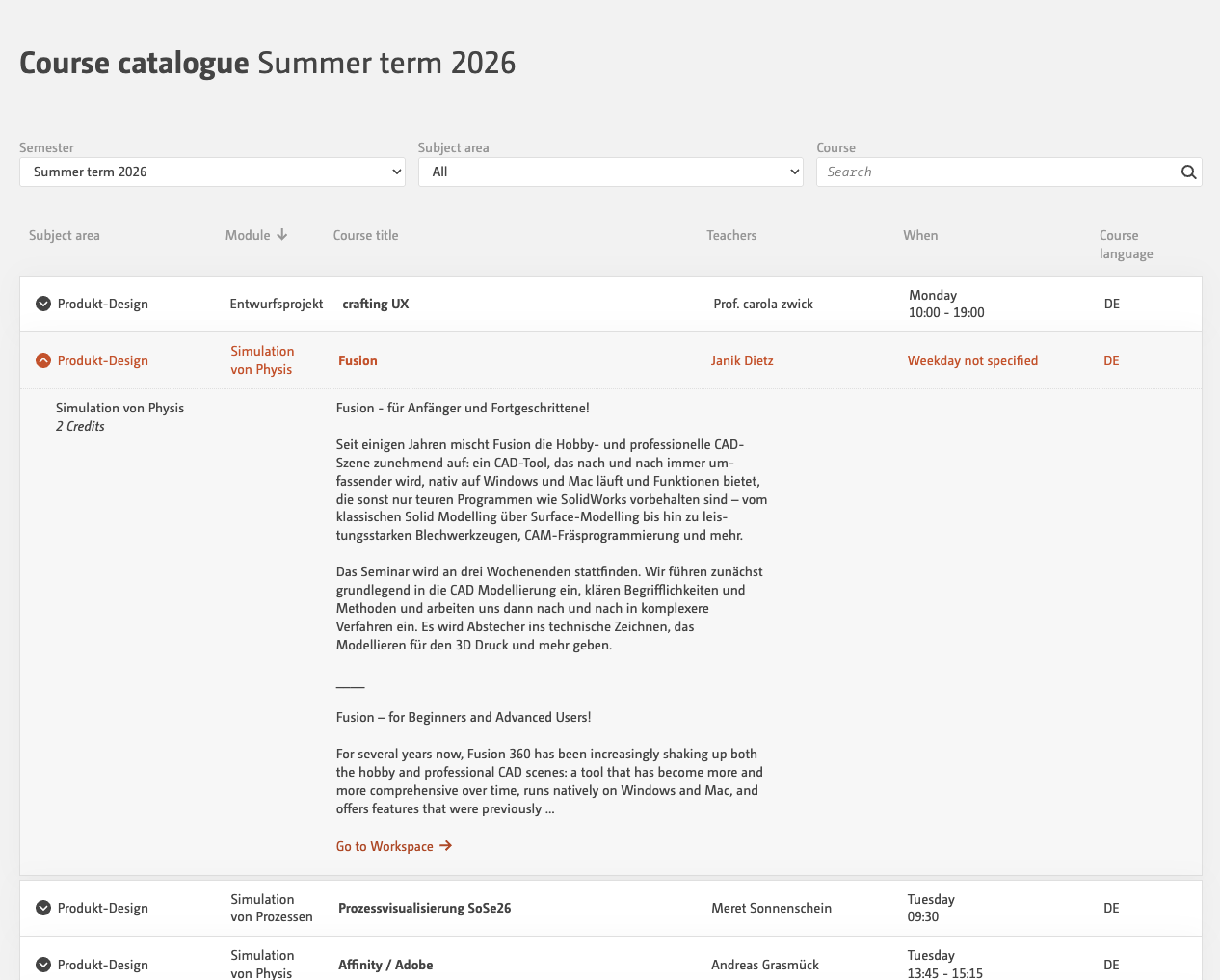
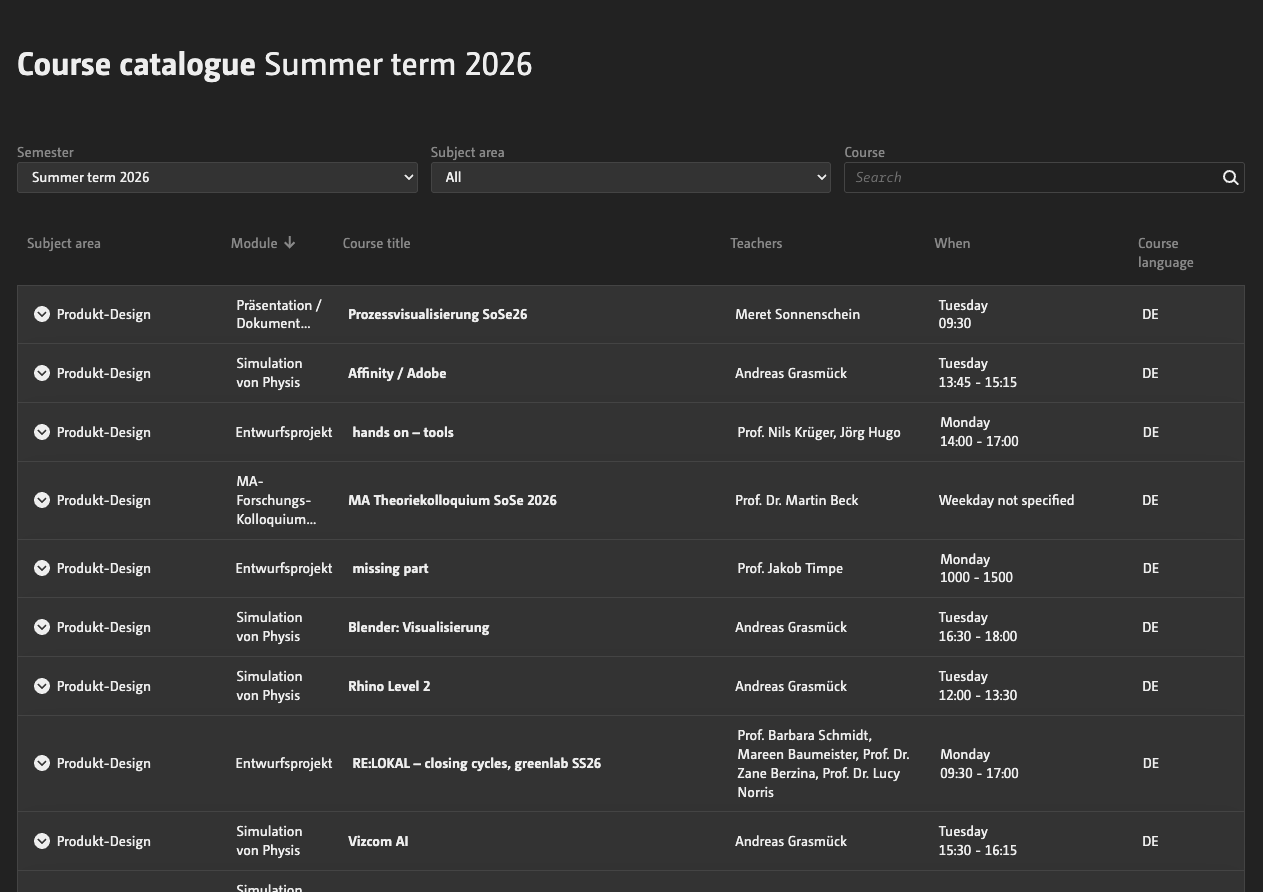
and sorted by module number. Courses appear more than once if they are covered by several modules.
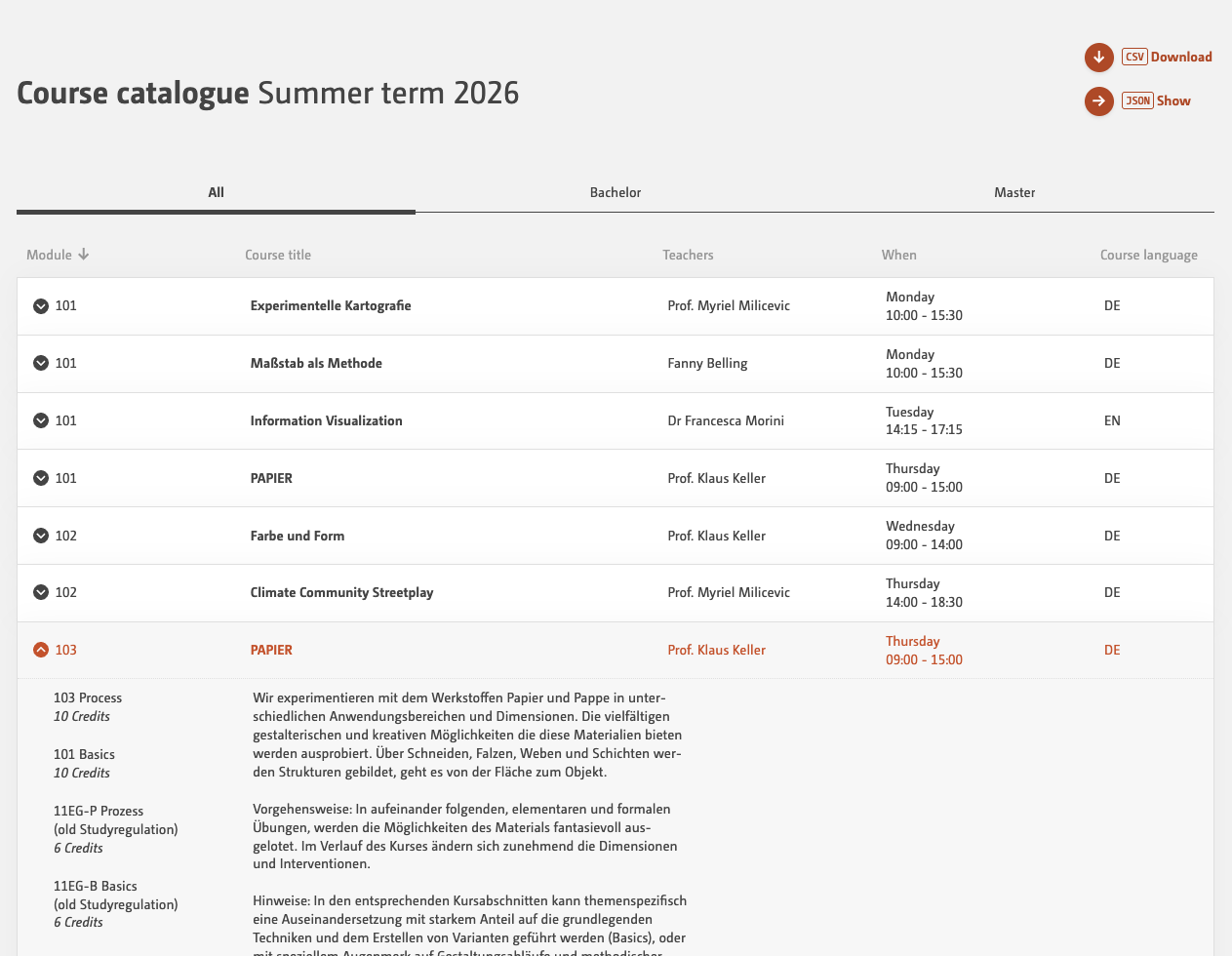
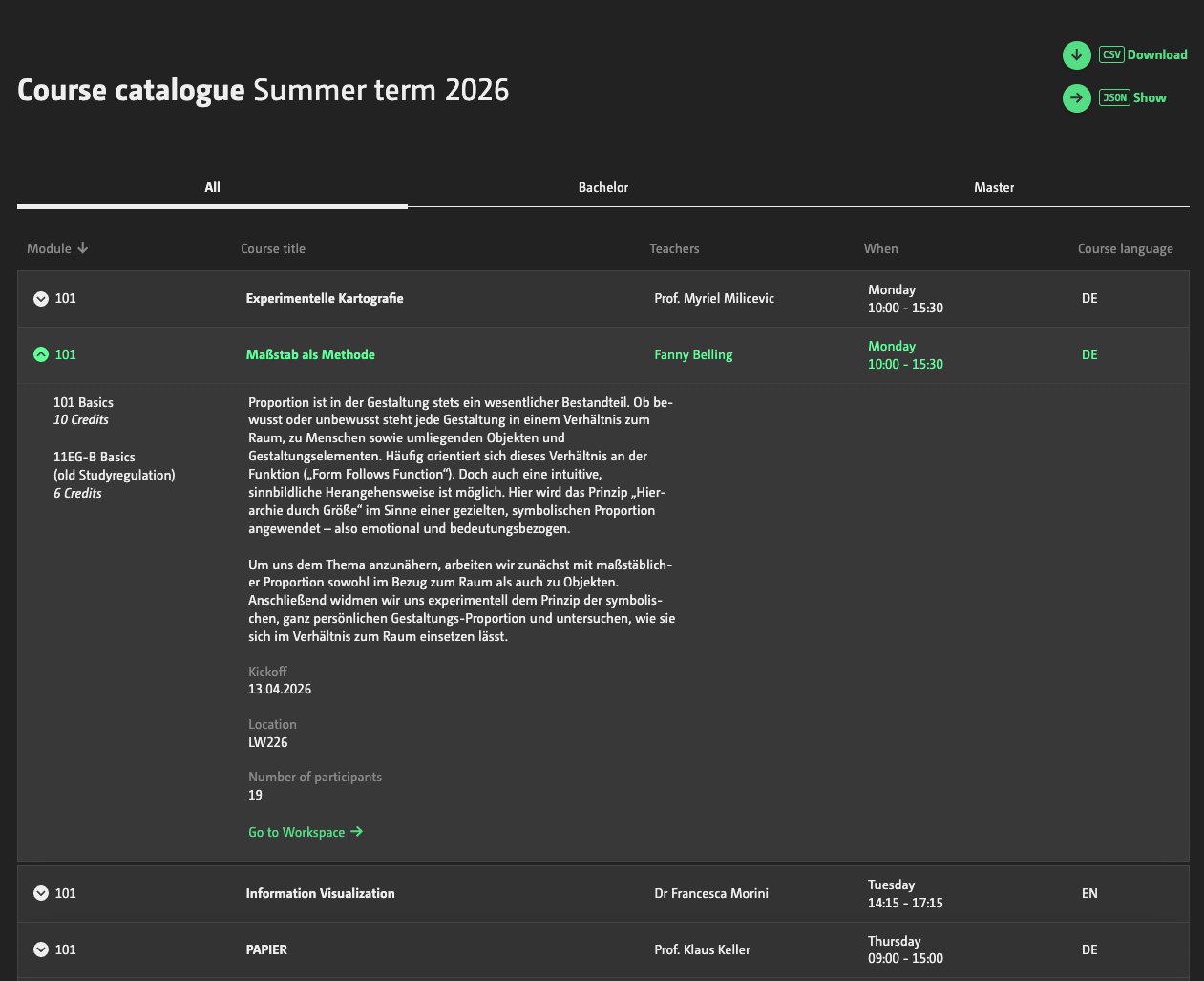
The entries can be sorted by module, course title, lecturer, day of the week and course language.
Clicking on an entry opens further details, including a link to the workspace.
Why isn’t my workspace appearing here?
There are two common reasons for this. Either your workspace does not start in the current semester, or you have not added a module from the latest study regulations. With some Incom instances, it is also necessary to explicitly send the workspace to the course catalogue by ticking the checkbox at the bottom of the Manage Workspace dialogue.