Posts
can be
- just simple posts with text, media or embeds
- a file request
- a poll
- or an appointment coordination
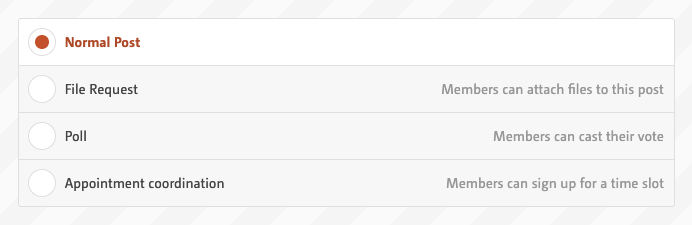
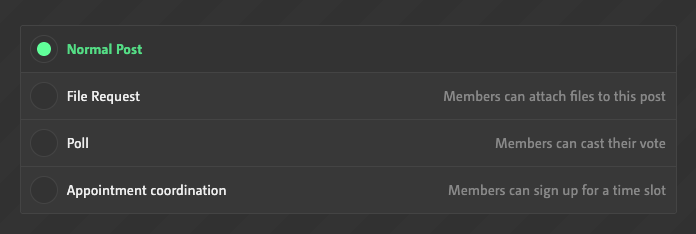
Most of the entries in the form are self-explanatory. Only a few special features are highlighted here, such as
The Editor
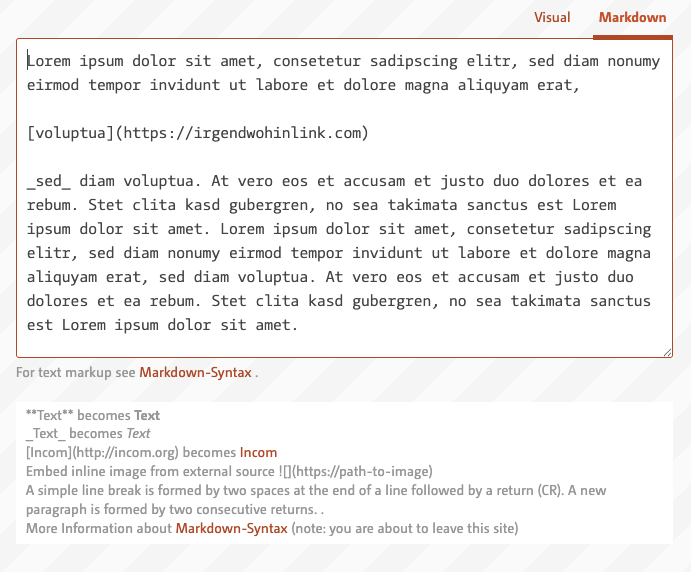
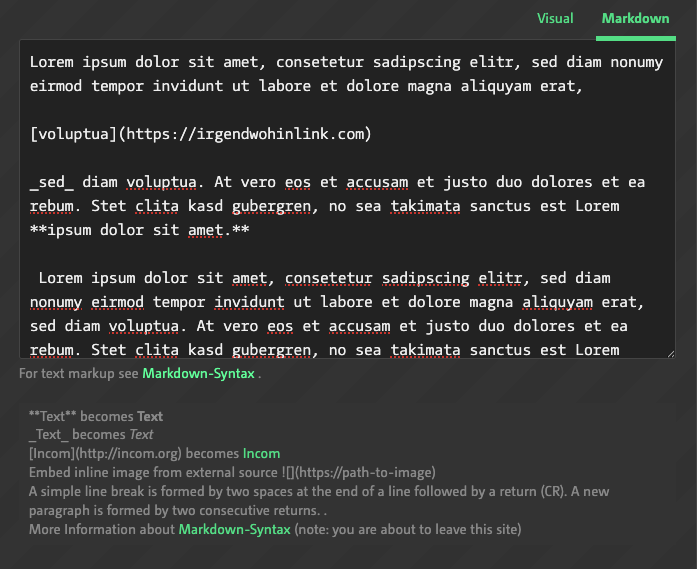
has two modes
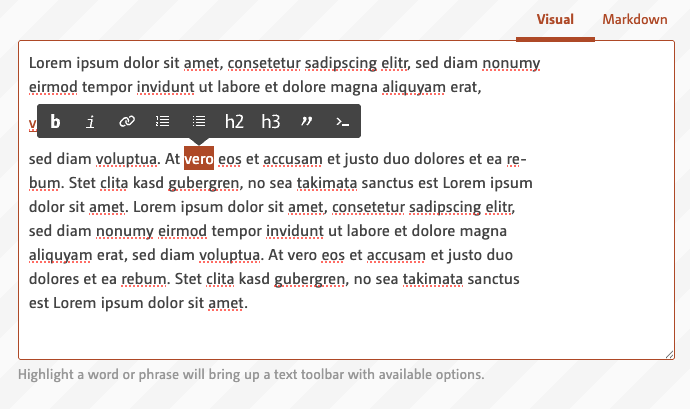
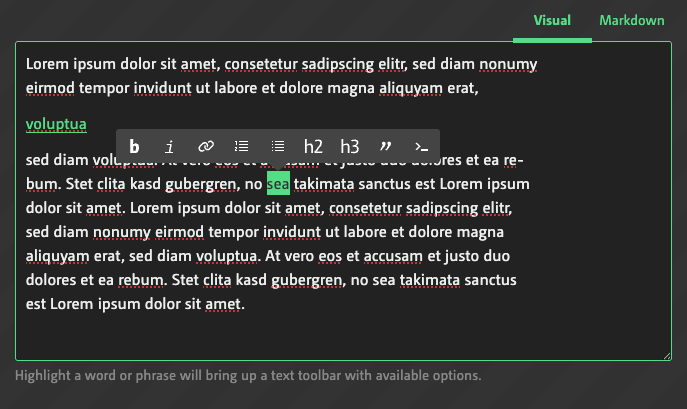
- the WYSIWYG (What you see is what you get) mode.
The formatting toolbar appears when you select a phrase.
- and the Markdown mode (this is for nerds) Markdown is a simple, easy-to-read markup language that allows text to be formatted using special characters.
Media, rights and terms
Whenever a file is uploaded there comes a form where you can provide a copyright notice or confirm that the file is yours.
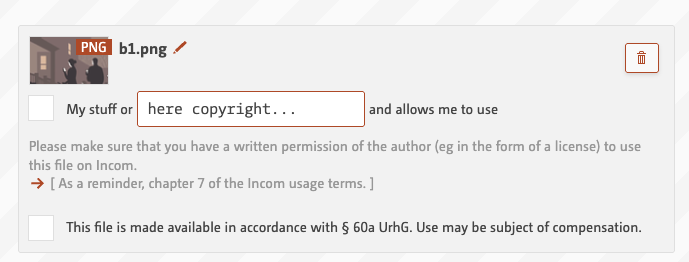
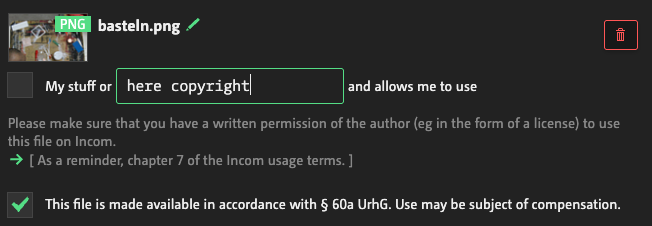
For copyright-protected images/files (Section 60a - Educational licence - allows educational institutions to use works on a small scale and only for teaching purposes.) - and only for those , you can check the checkbox. But
please be careful with this checkbox - this will end up in a restriction of the whole workspace!
Your own work should not be used in accordance with §60a.
Embeds
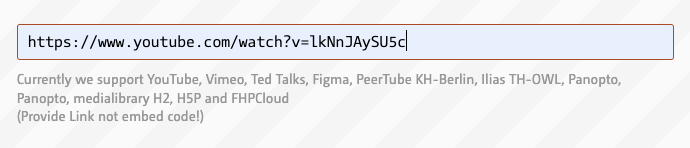
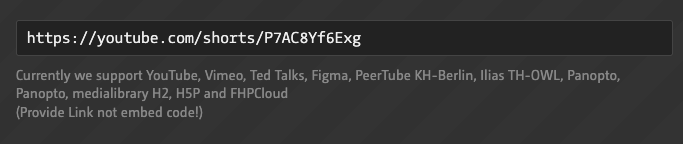
Embeds can be videos from YouTube, Vimeo, TedTalks or your universitie's PeerTube/whatever Streamingserver. Figma files can also be embedded. But please insert the link - not the embed code and make sure that the embed is open to public.
Post this message elsewhere
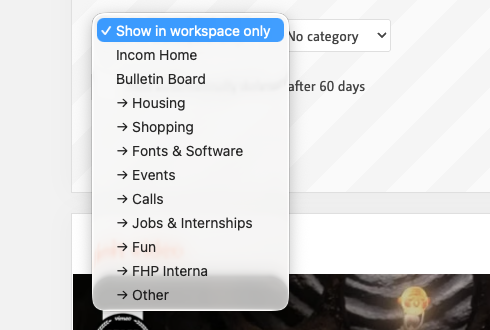
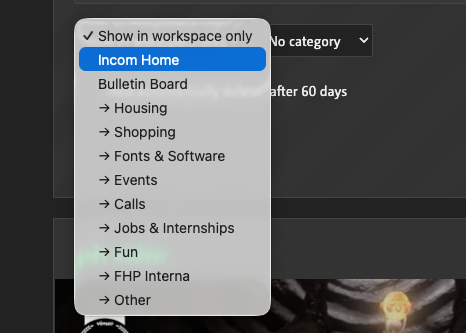
Messages can also be posted from here to the Incom front page or to the bulletin board in a specific category
Automatic deletion
In order to keep data to a minimum and maintain a sustainable and clutter-free Incom, it is advisable to tick the following checkbox for posts that have an expiry date, i.e. posts that announce something and are then no longer relevant.

