Events or Appointments
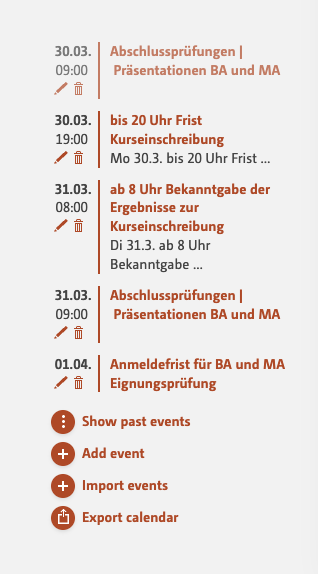
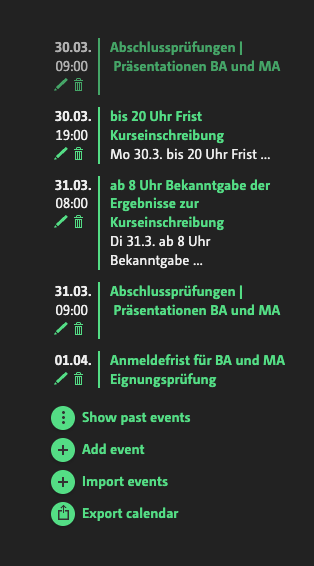
Where do I enter my dates?
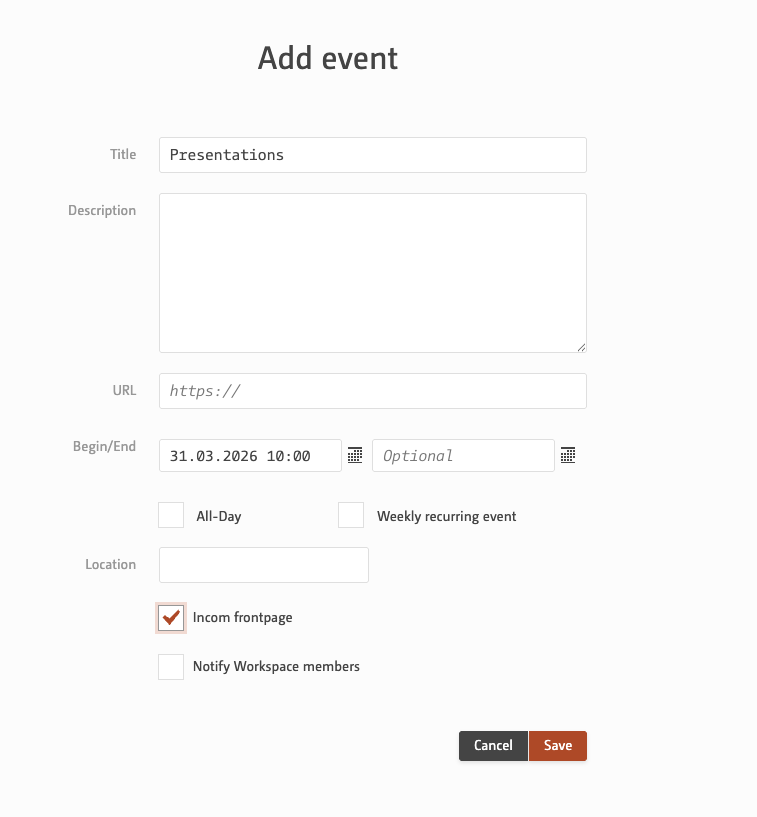
Appointments are primarily entered in the workspace and are initially only relevant to that workspace.
And how do events appear on the frontpage?
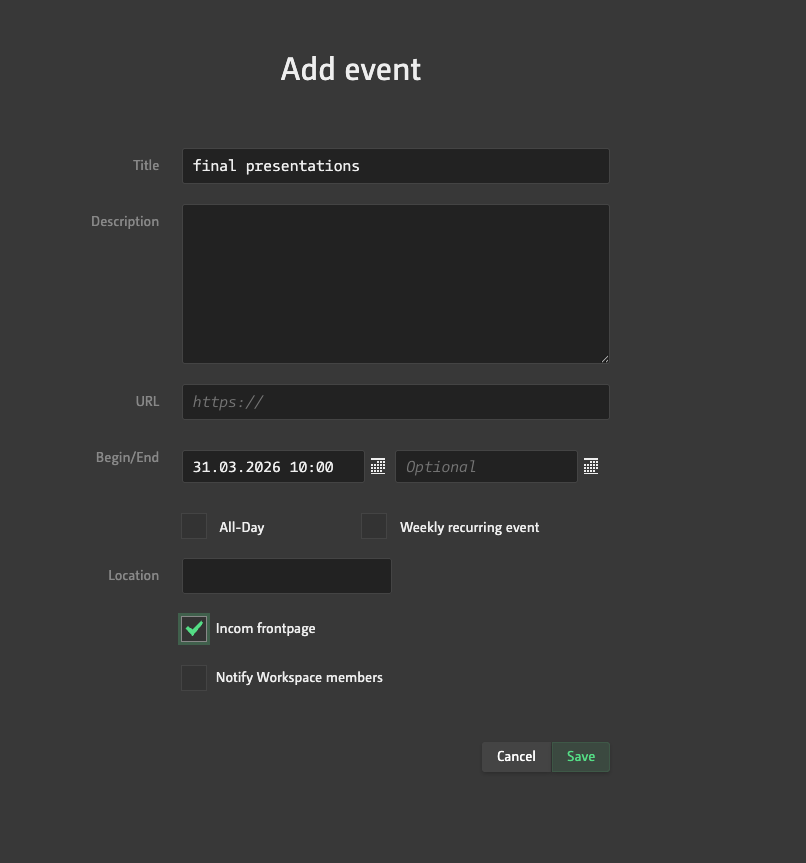
If you tick the ‘Incom Home Page’ box in edit mode, the event will also be displayed on the home page in the global calendar. This allows you to invite the community to attend specific events, such as presentations of the results.
Can I also import events into my iCal?
You can also subscribe to events in your local calendar. The URL for the subscription appears when you click on ‘Export calendar’.
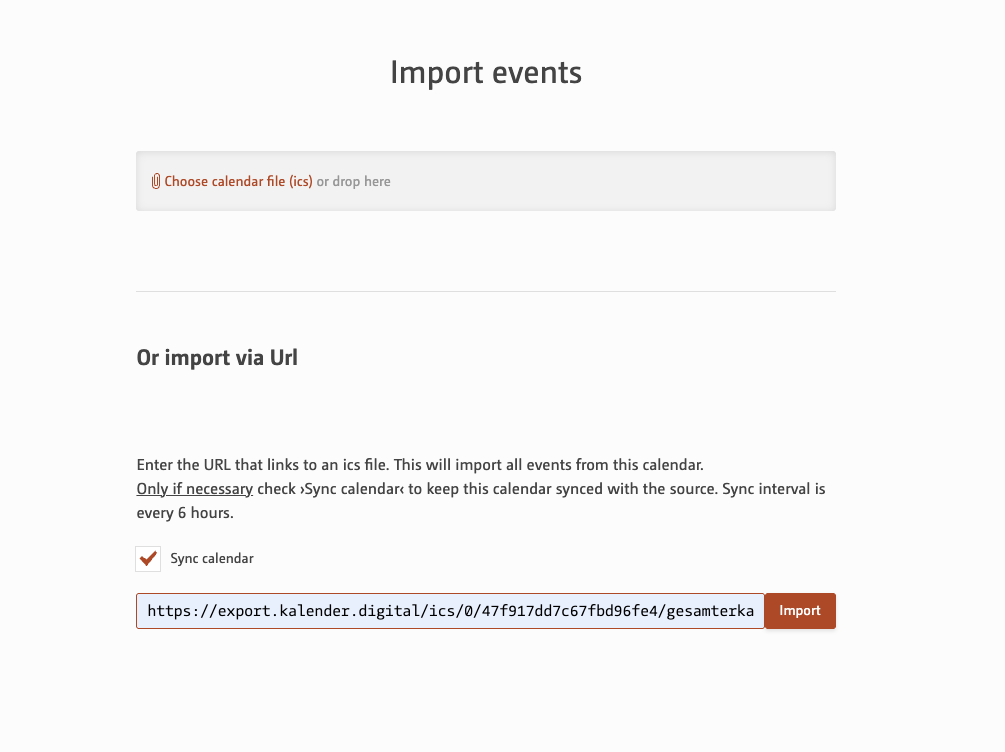
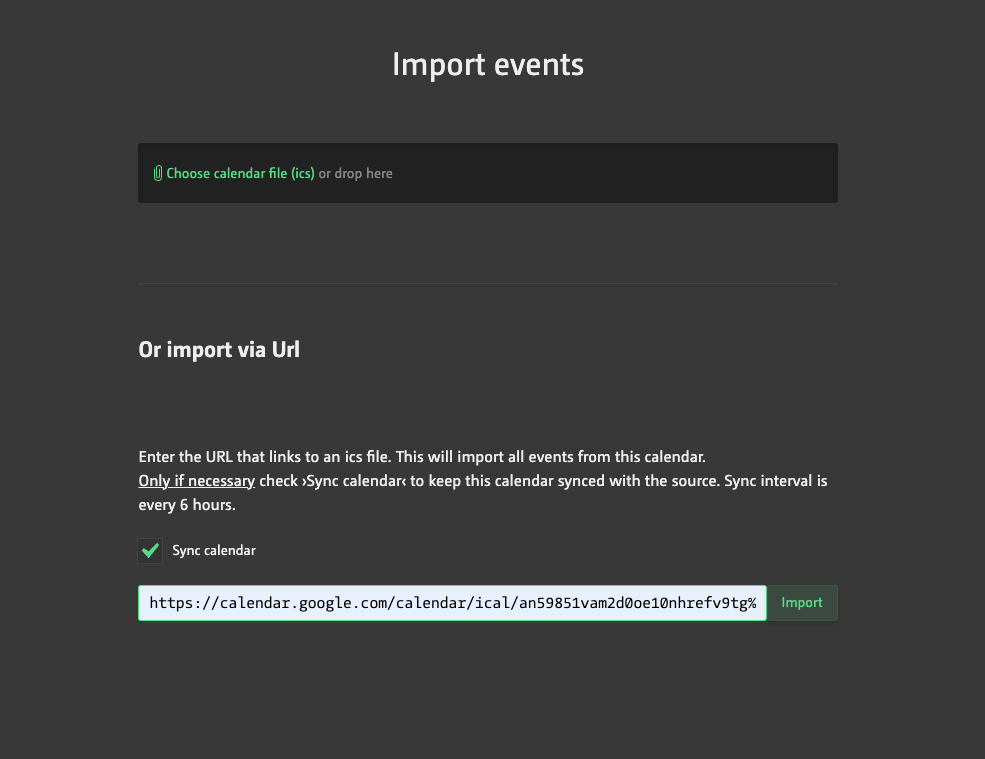
Can I import external calendars too?
Simply click on ‘Import events’. Then either upload an ICS file, or enter the URL of a calendar that is accessible online and, to keep it up to date, it’s best to synchronise it.