Incom frontpage
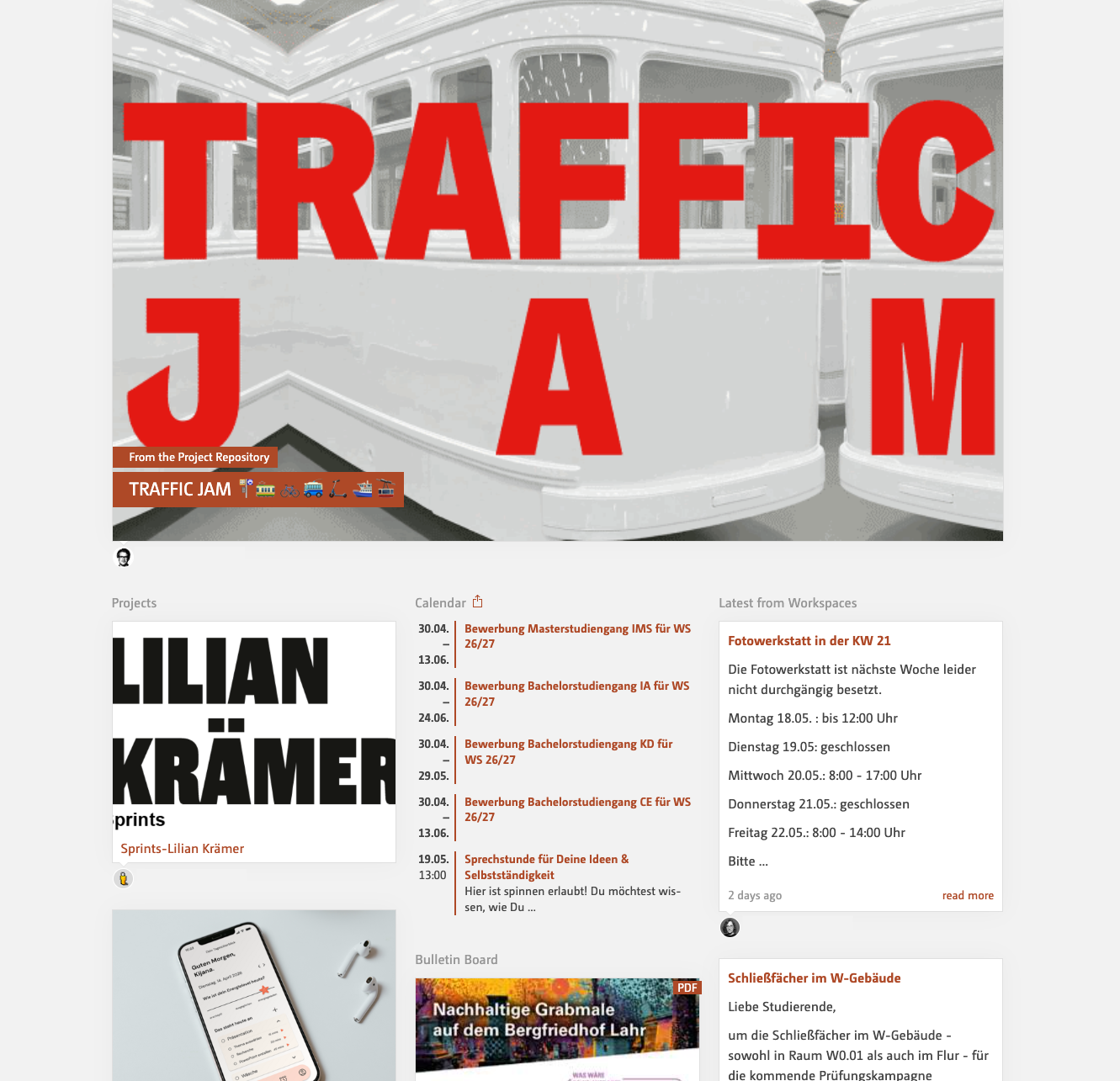
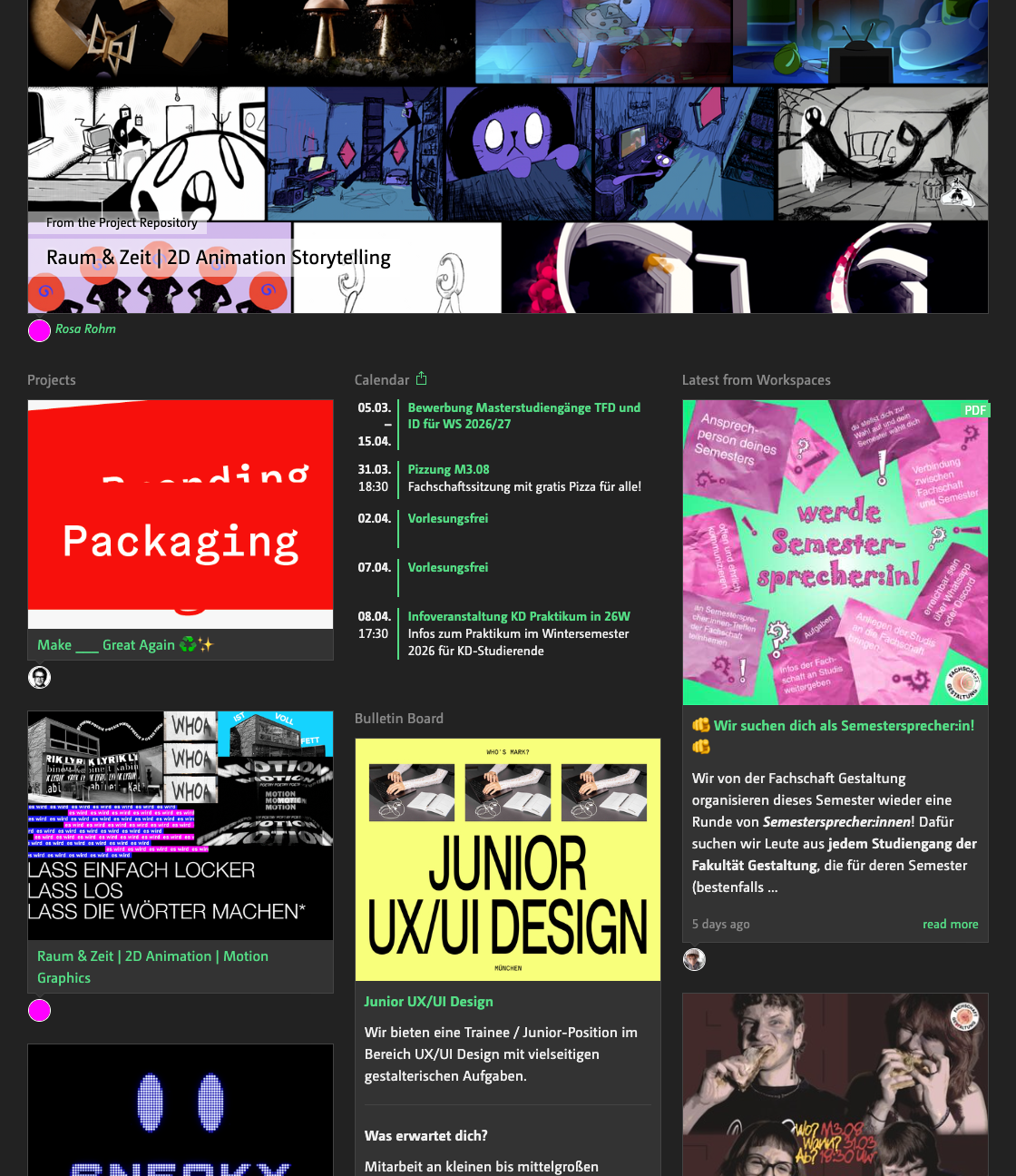
Here you’ll find everything the community wants to share.
- the most recently documented projects
- the global calendar, i.e. dates for everyone
- the latest posts on the bulletin board
- and the latest news from the workspaces
The website is managed on a decentralised basis, which means that it is not edited by a central editorial team. All content originates from the relevant departments and is approved by them for publication on the front page.
How do events appear on the front page?
If you tick the ‘Incom Home Page’ checkbox when adding an event in the Workspace, the event will also appear in the global calendar.
See also here.
How do posts appear on the front page?
If you open the drop-down menu under ‘show in workspace only’ at the bottom of the editor, the option ‘Incom Home’ will appear. Select this and the post will appear here. See also here.
Why isn’t my project showing up here?
Perhaps it hasn’t been published yet? That means it hasn’t been posted to the Incom frontpage? Or the publication date is too far in the past. This is because only the last 10 entries are selected here. See also here.