Workspaces
Workspaces are digital workspaces. Everything in one place. People, appointments, materials, communication and also the linked learning outcomes.
Tab :: Workspace
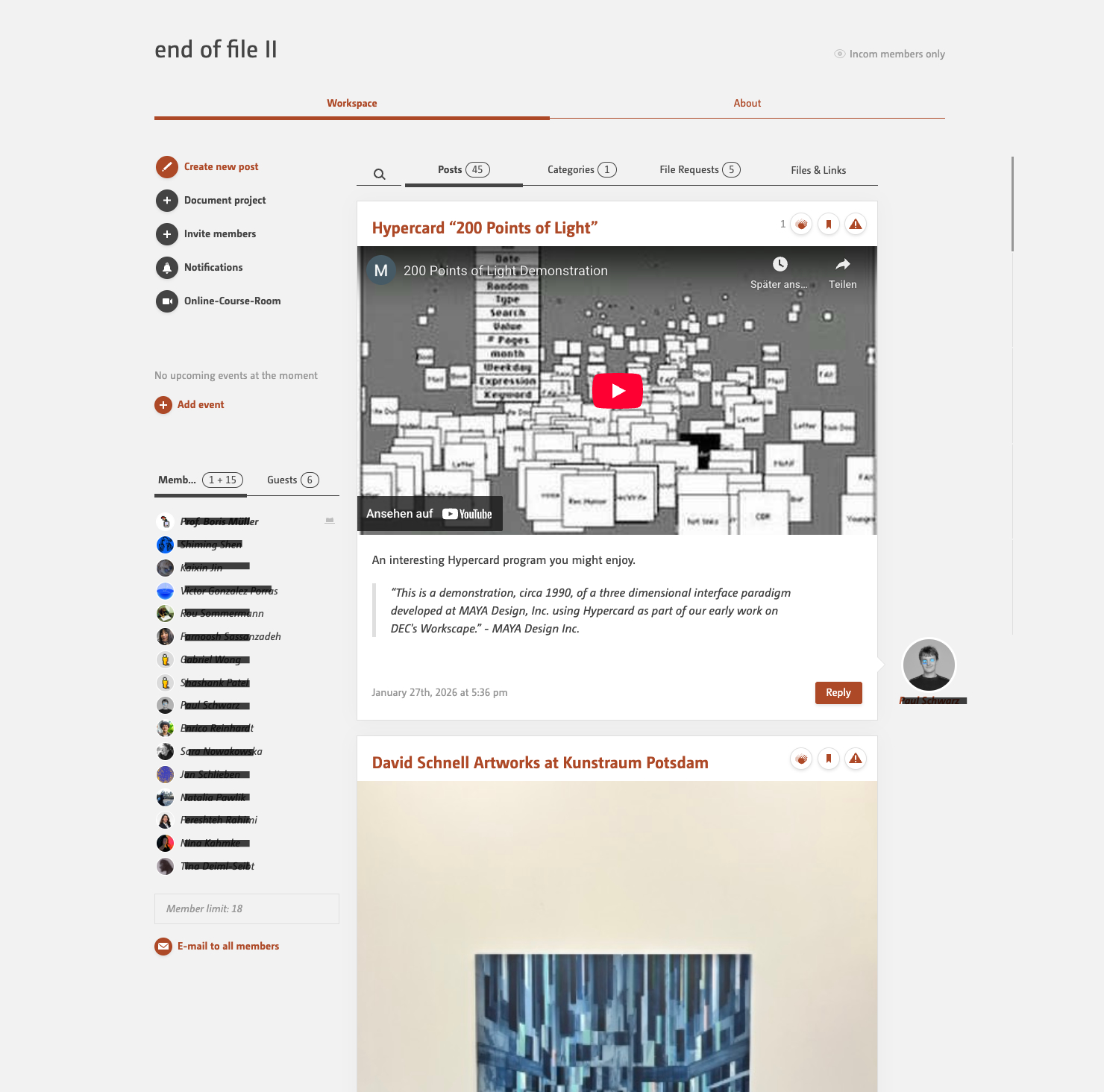
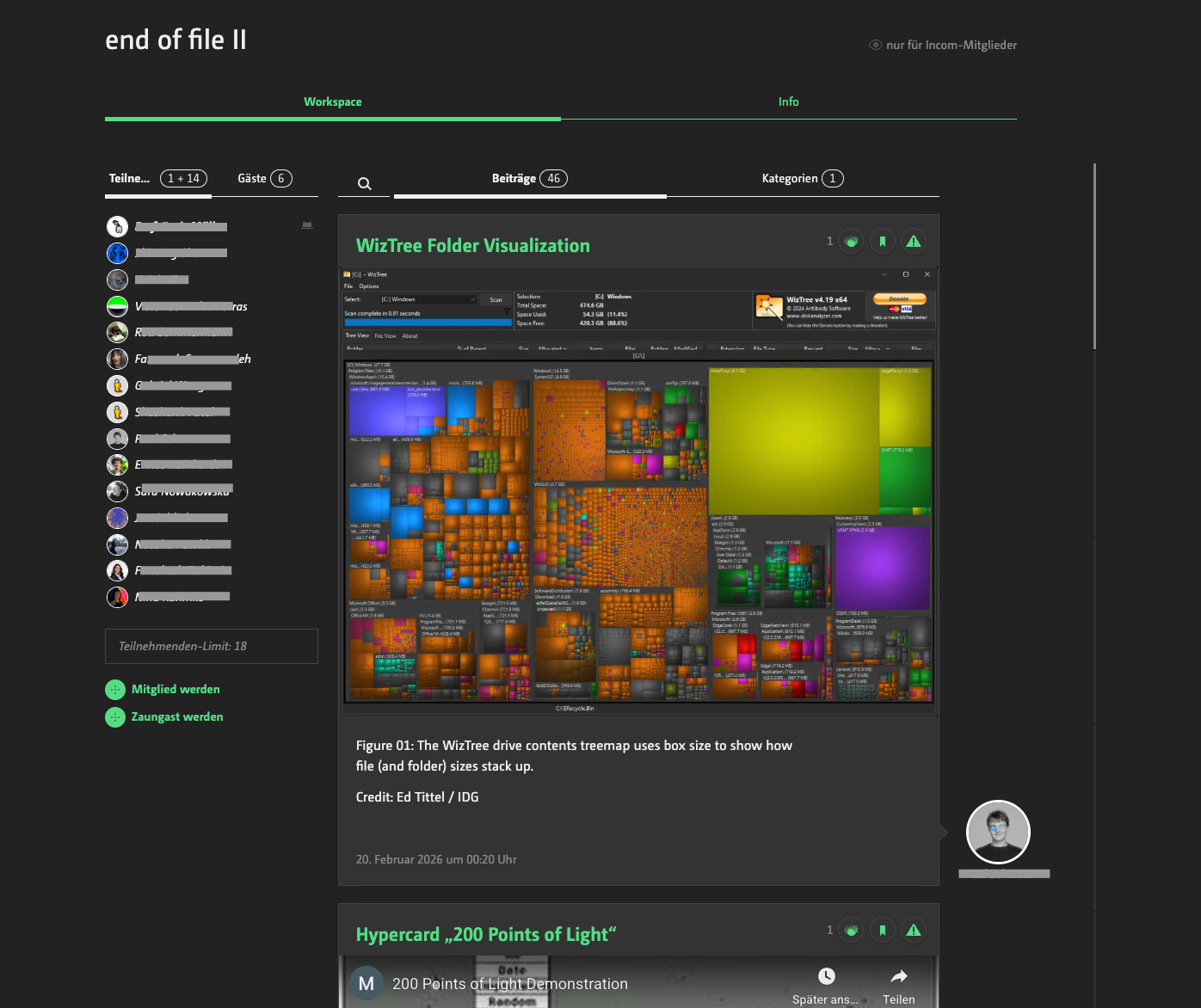
shows the collaboration space with
- an overview of the participants
- action buttons to create a post or document a project
- events
- course resources
- organisational content and discussion
Here you will find everything you need for collaboration.
How can I join?
Simply click on ‘Join’ below the list of participants. If this link does not appear, the workspace is likely restricted to specific participants or blocked by the course selection process.
What does it mean to follow a workspace?
As a follower, you’re only listening in. You’re interested in the topic and want to follow what’s happening here without any obligation, but you’re not actively participating. You can join in the discussion, but you won’t have access to the files.
How do I unsubscribe?
Hover your mouse over your name in the list of participants, and a menu containing the unsubscribe link will appear. On mobile devices, the process is similar but a little more complicated, as you first need to expand the list of participants and then tap on your name. A menu will then appear.
Where can I upload files if I don’t want to do so in the post, which would then get pushed down the timeline?
The ‘Files & Links’ tab contains a storage area for this purpose. Here, you can organise links and files into folders.
Tab :: About
informs in short about
- what it's all about ( the workspace description )
- subject group and modules ( if workspace accompanies a course )
- admins or teachers
- room or location
- and all the stuff that normally goes into the course catalogue
Where do I enter all the information that appears here?
Everything shown here is entered in the ‘Manage Workspace’ dialogue form.
Tab :: Projects
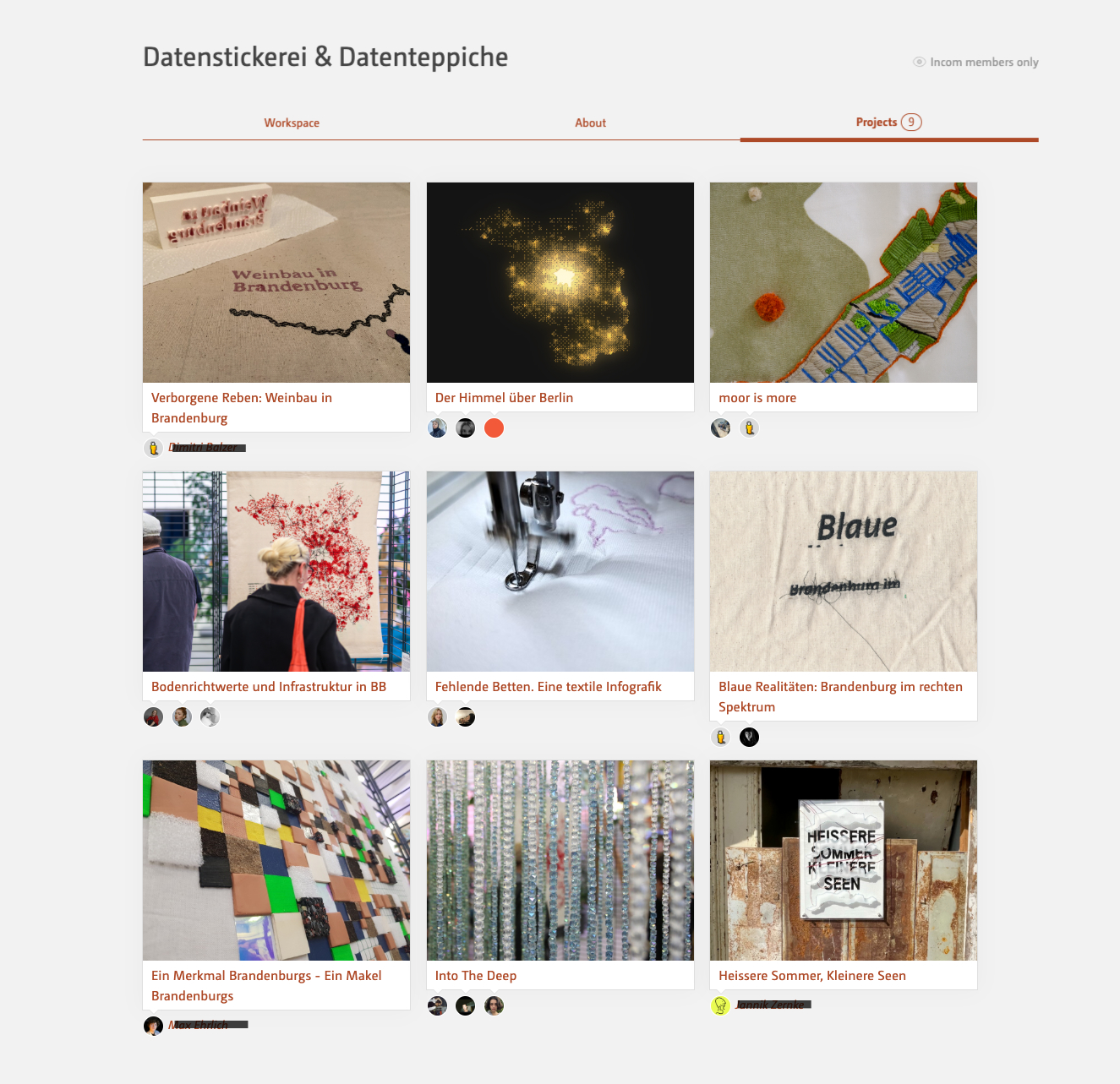
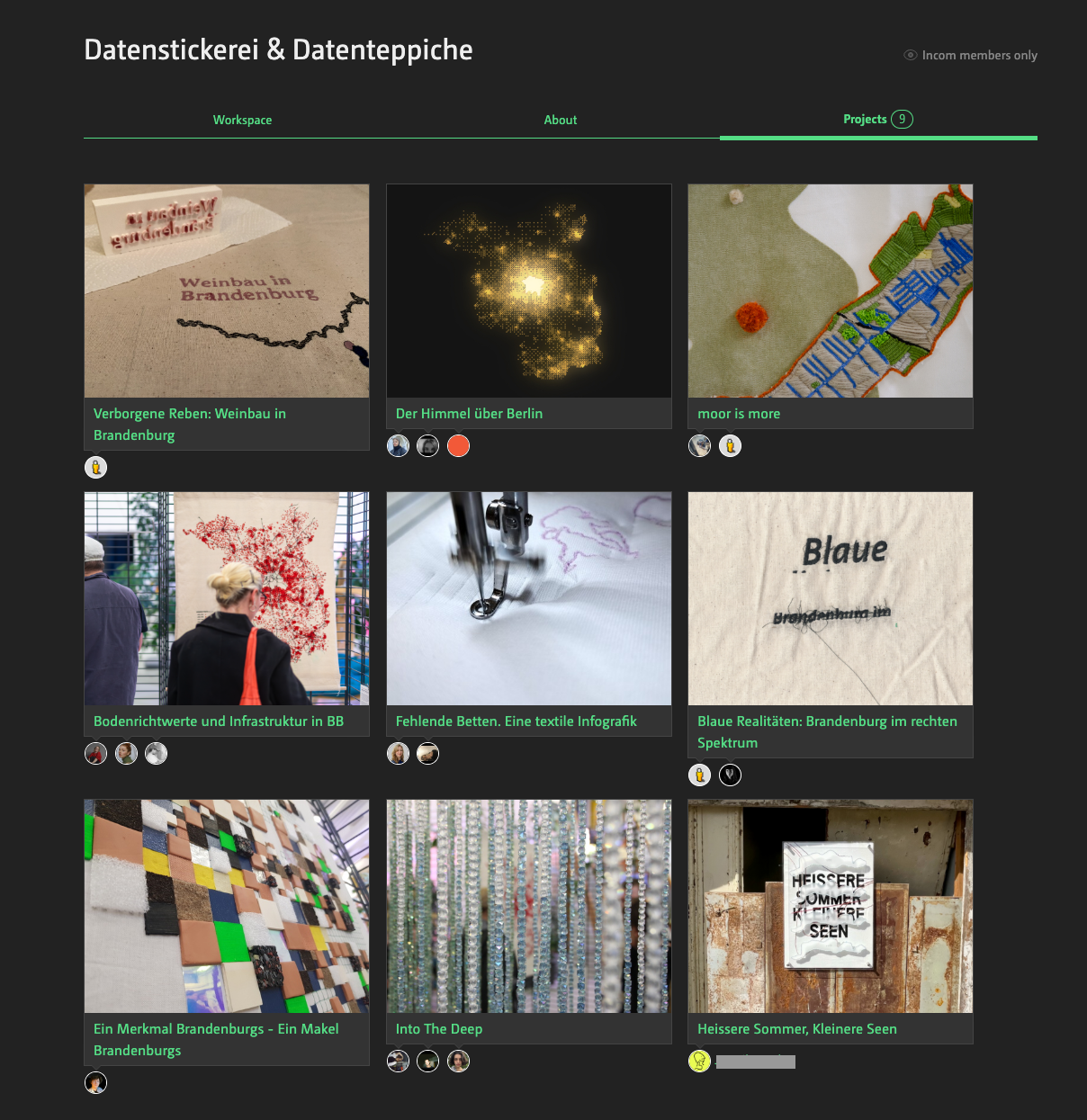
shows the results of a course in form of documented projects.