Projects in different views
The project repository
provides an overview of all projects, serves as a showcase for the university, and is a vast source of inspiration for the community
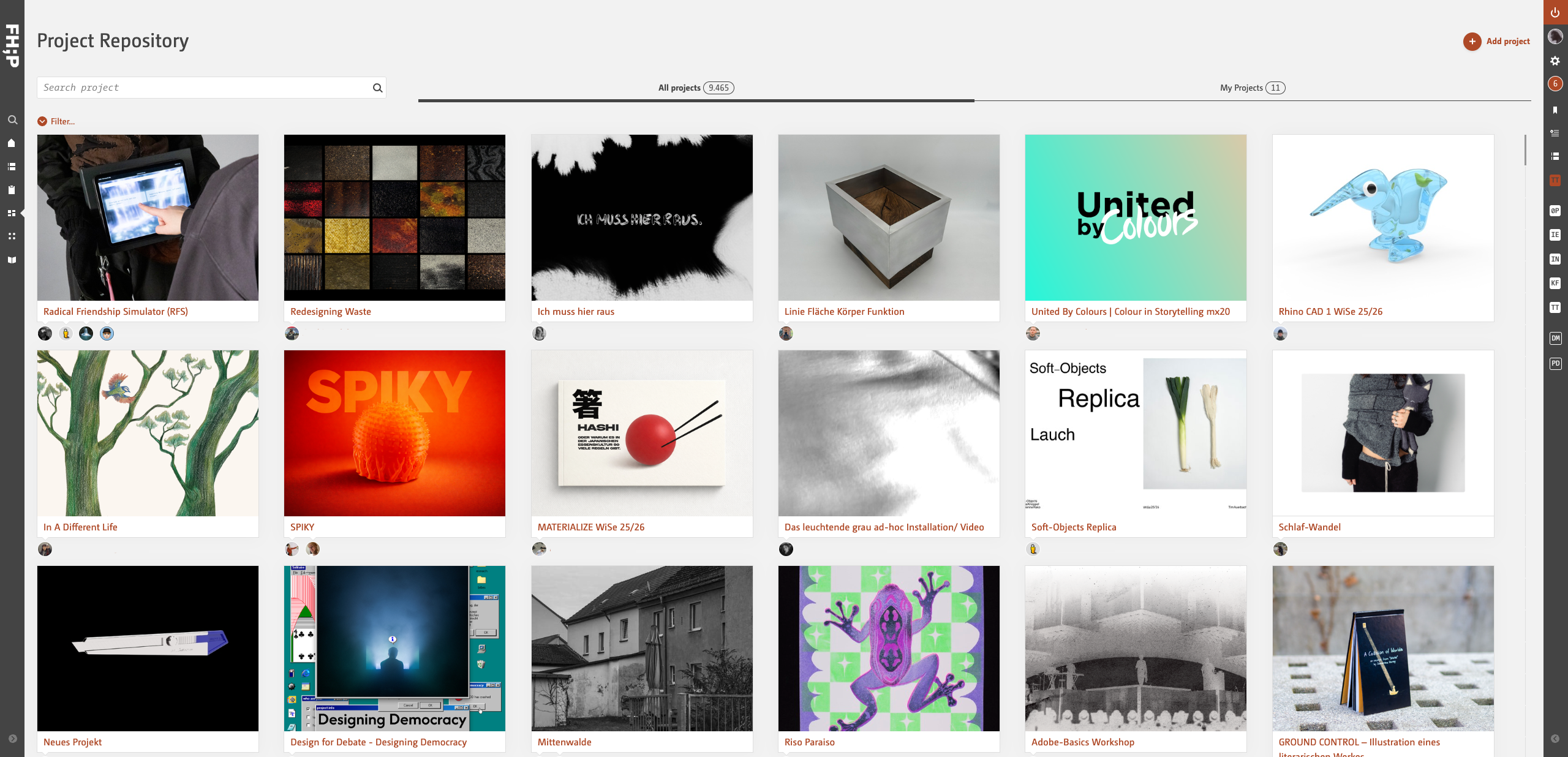
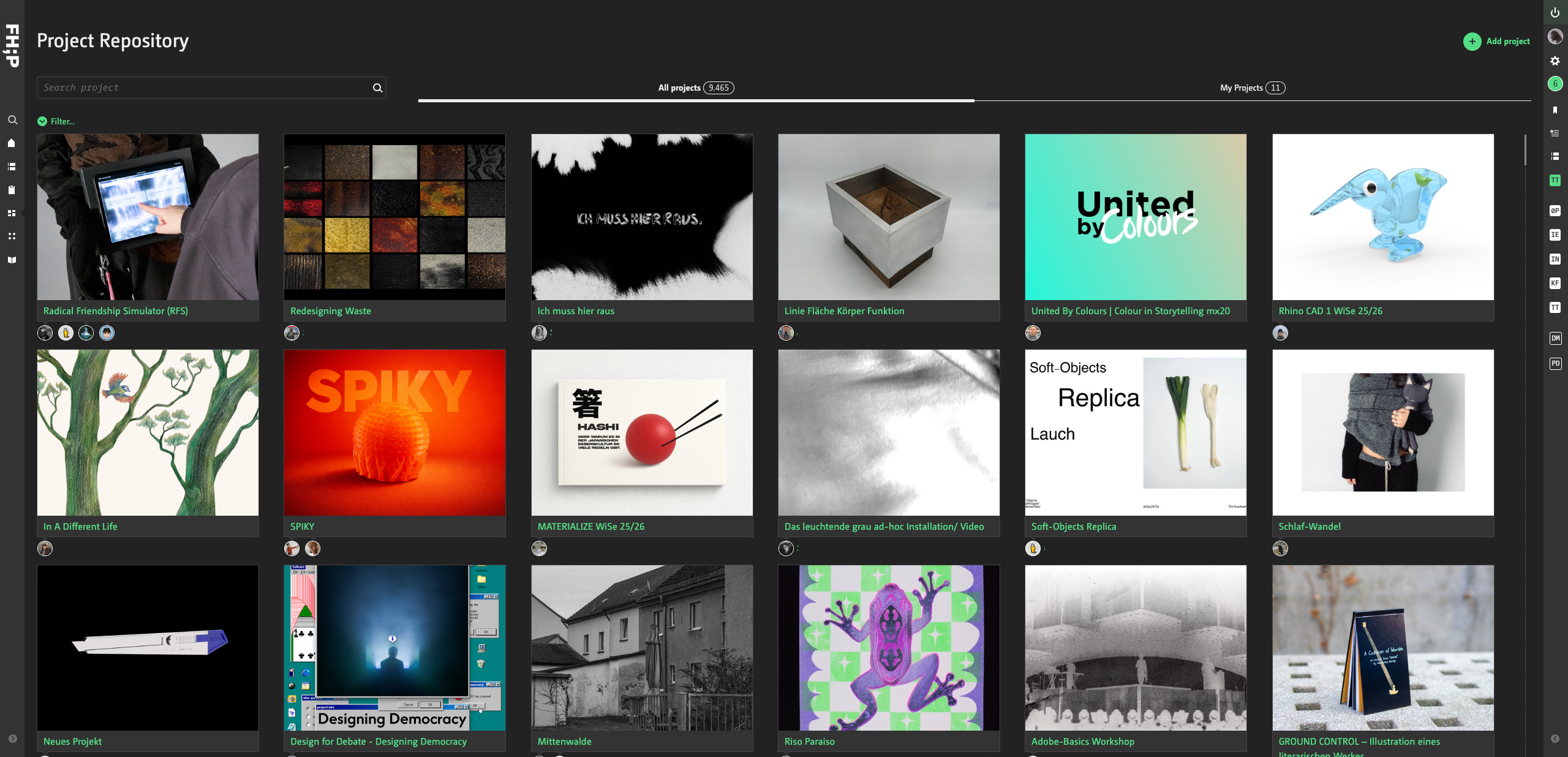
The overview can be filtered by keyword, semester, subject group and project type


I can see my project here even though it shouldn't actually be visible to the public?
Yes, but you're the only one who can see it here. It only appears when you're logged in.
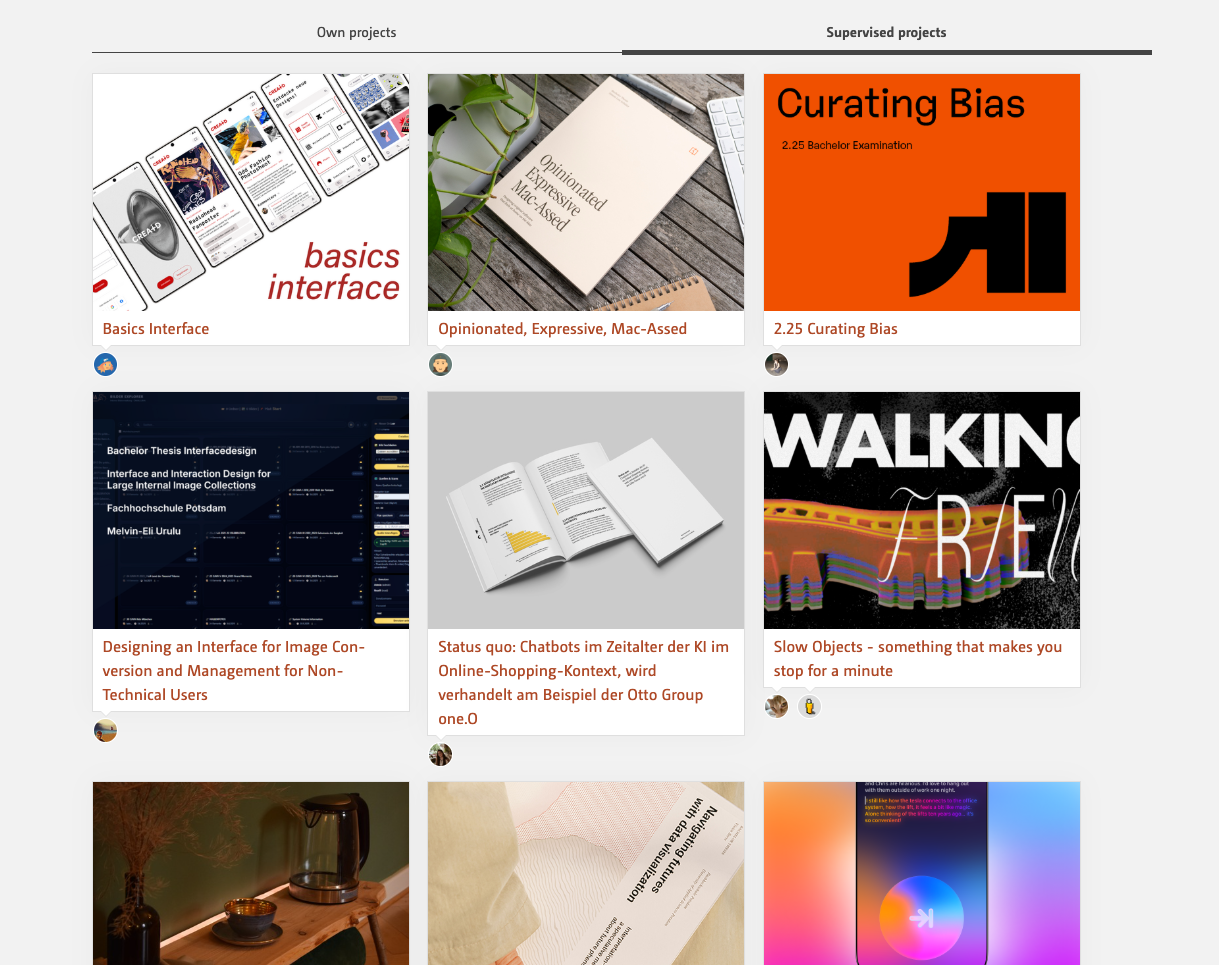
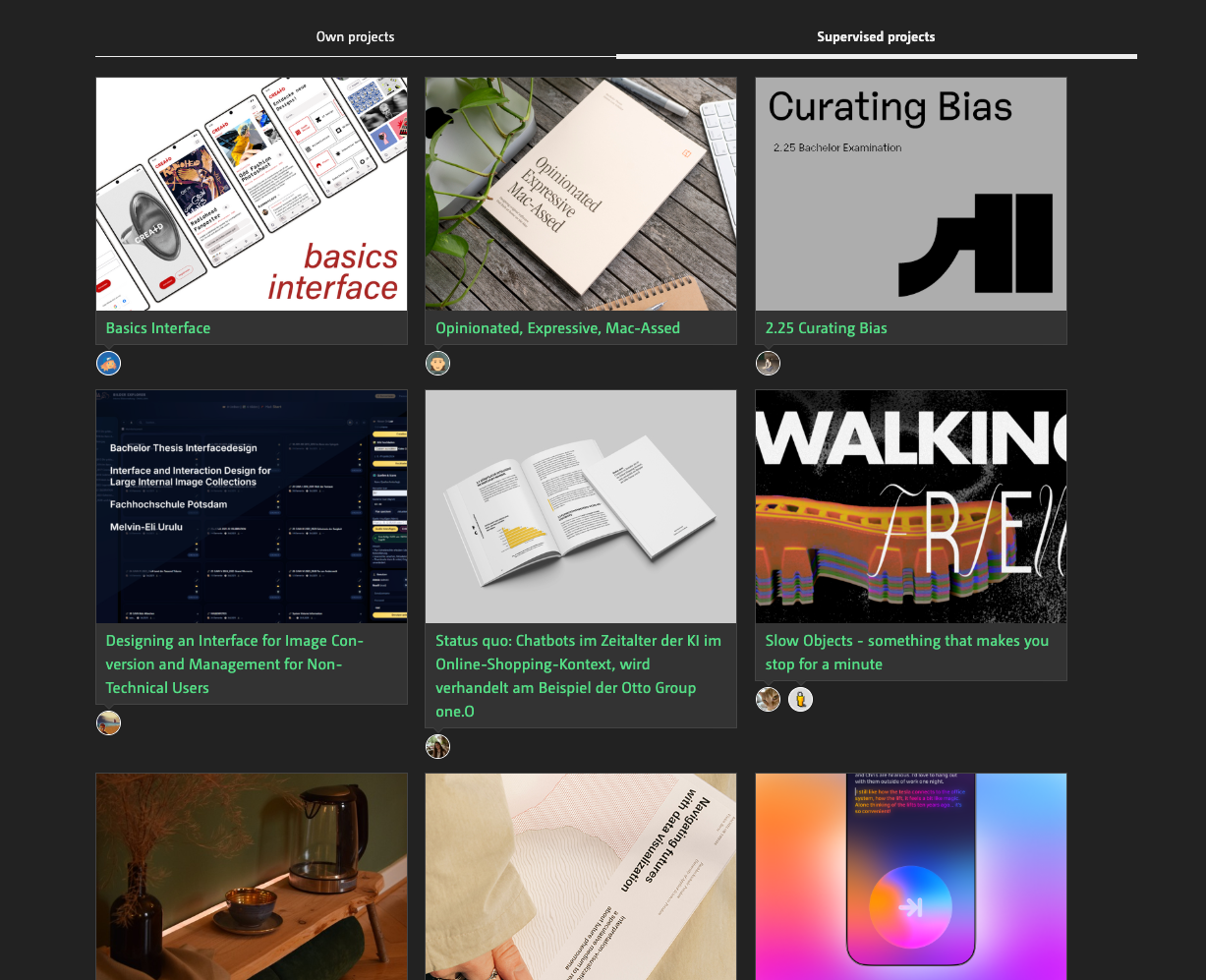
Projects in the user profile
Here you can see your own projects, and, as a teacher, the projects you are supervising
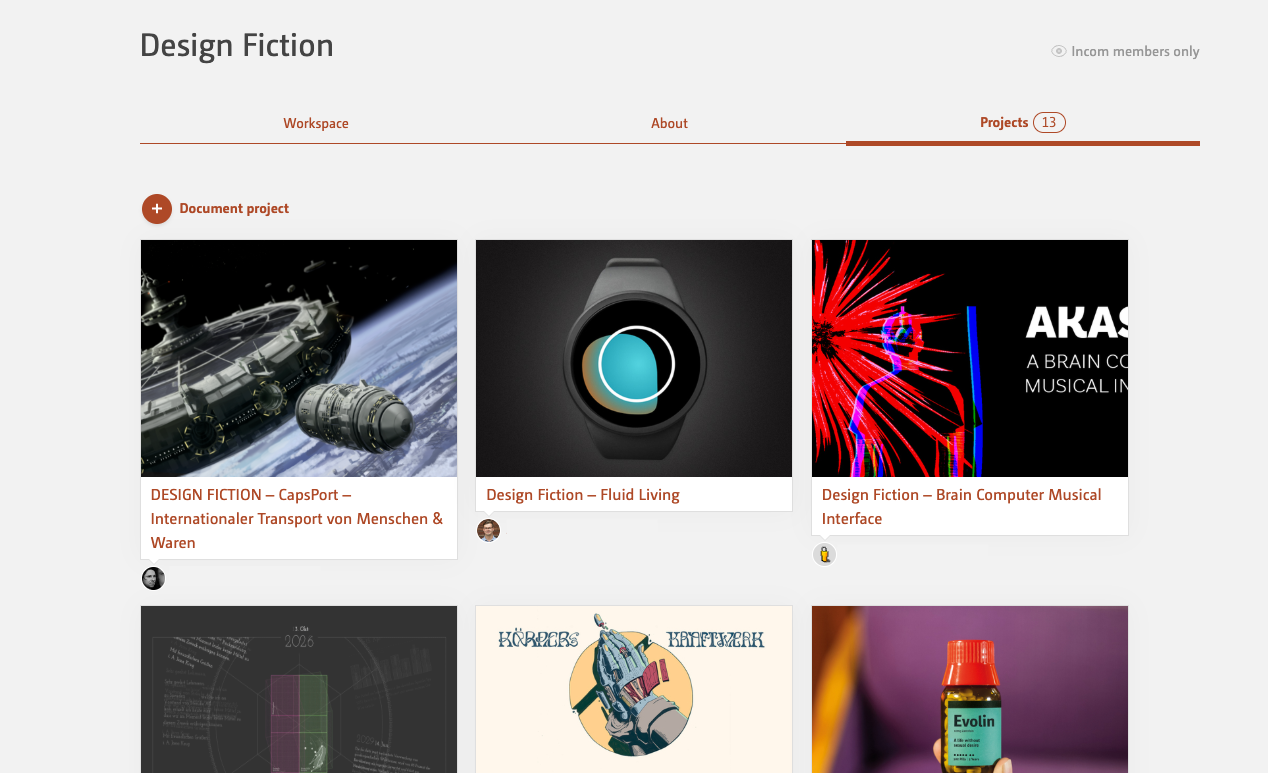
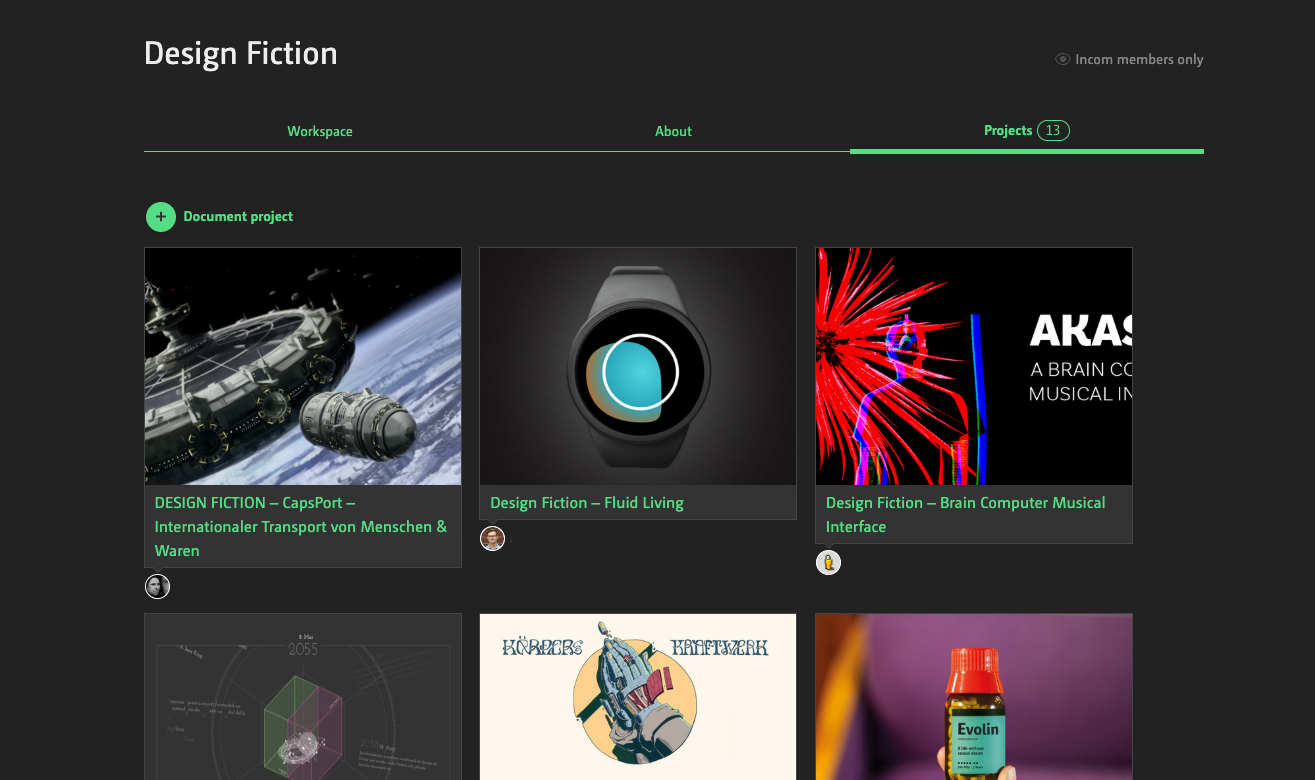
Projects in the workspace
show all the results of the course
Projects in single view
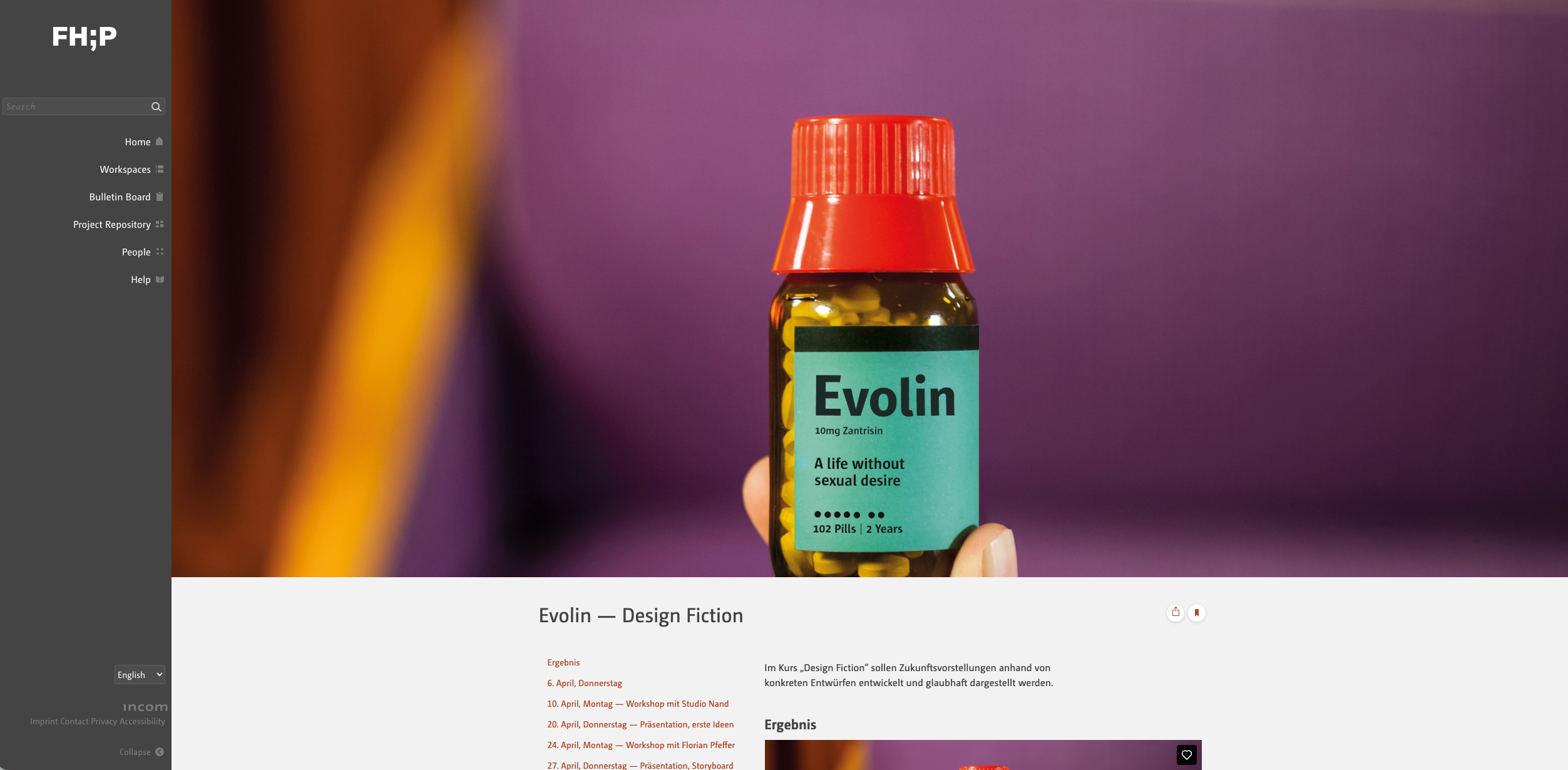
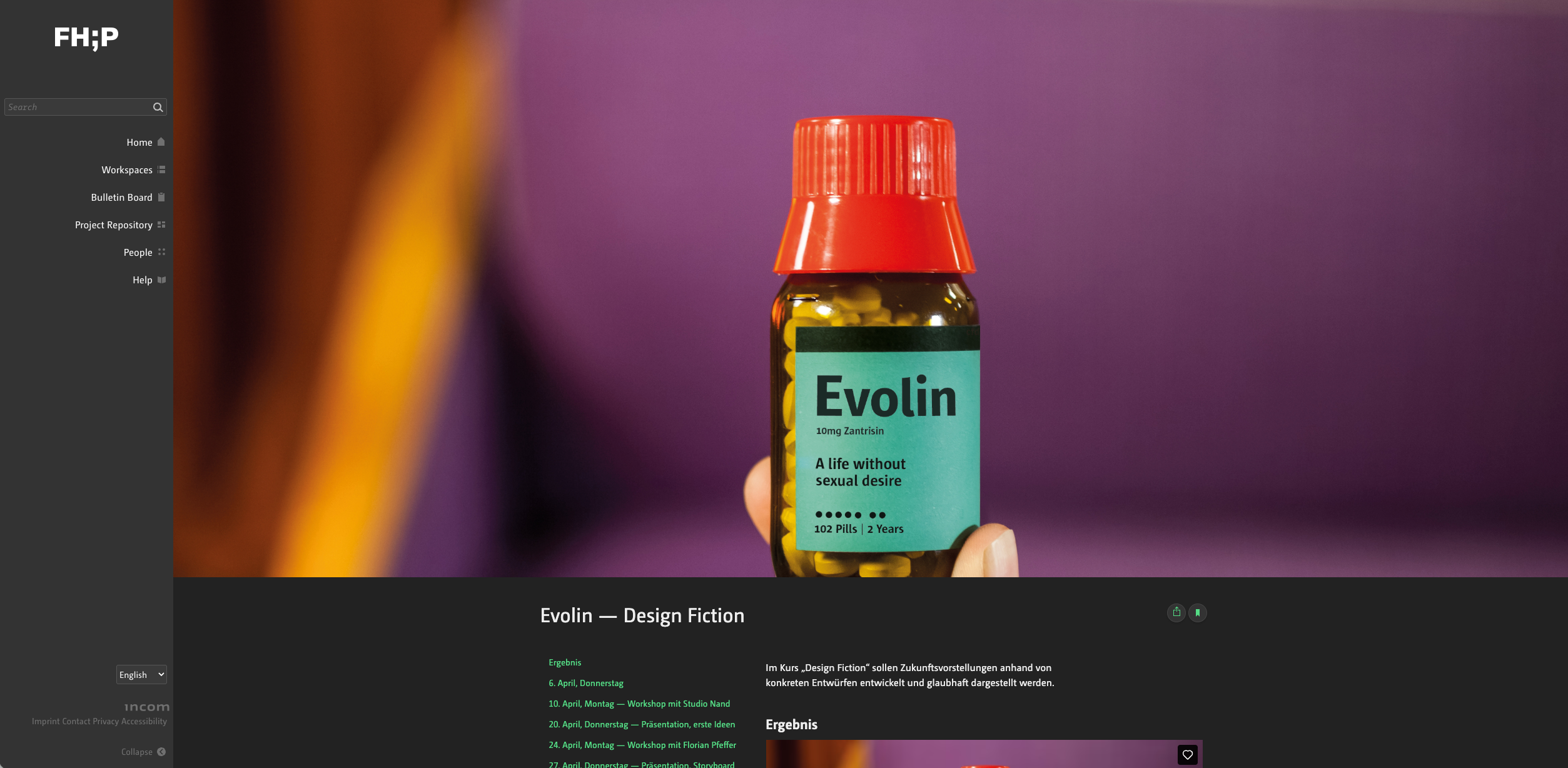
Projects can be viewed within Incom – or outside it, without the Incom context.
Project view without the Incom context
If a project is ›visible to everyone‹, it can also be linked without using the Incom context.
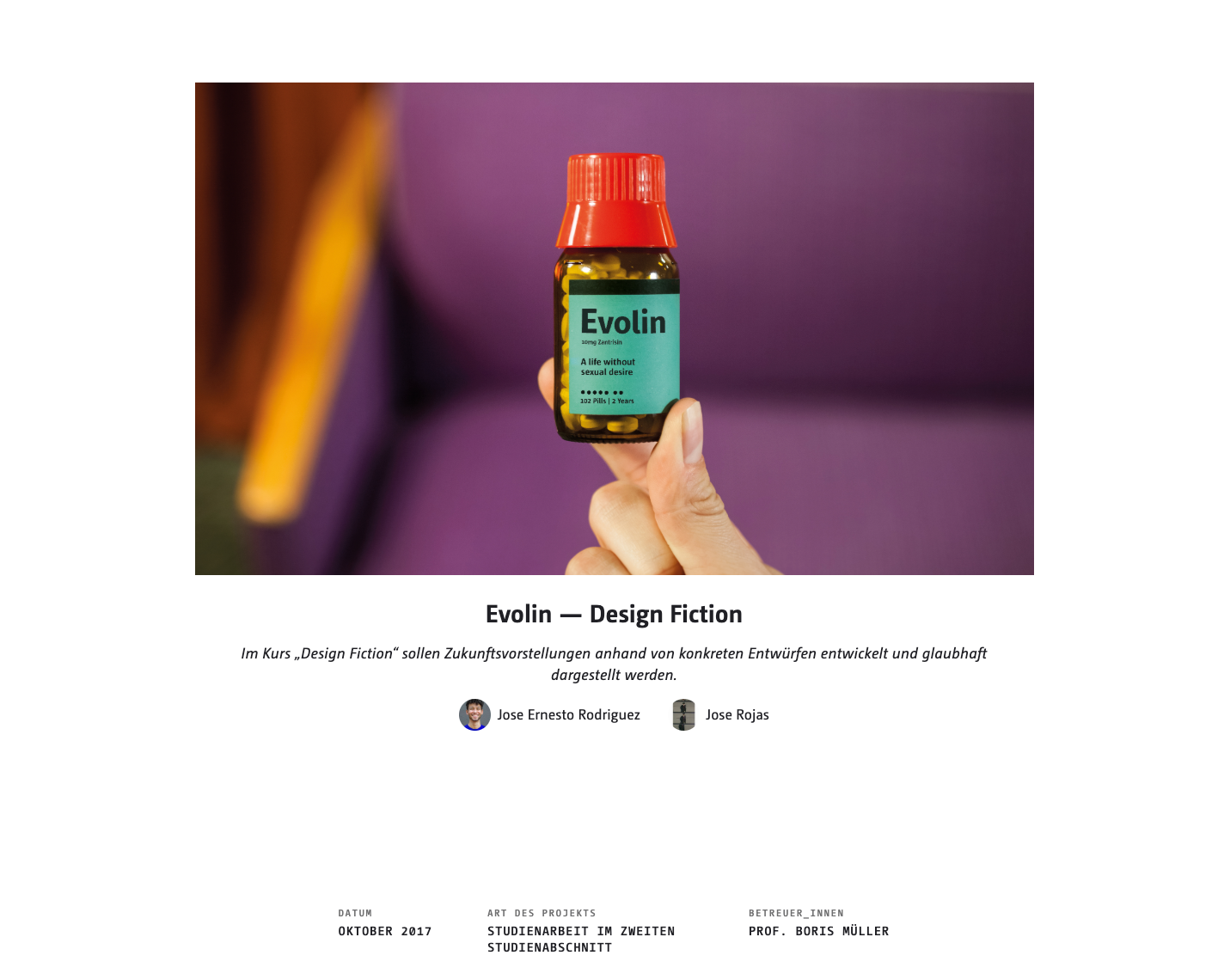
How do I access this view?
If you click on the ‘Share’ icon in your project, you will see the link to the public view.
I can't see a Share icon?
Then your project isn't set to “visible to everyone”.